What Happened
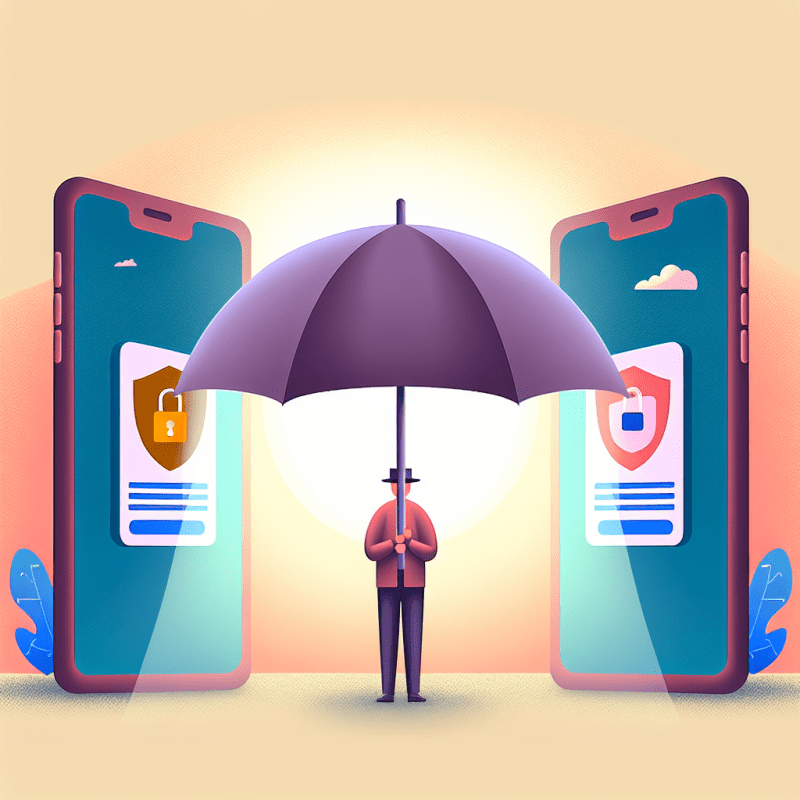
Samsung has introduced a new smartphone privacy screen technology that lets you protect sensitive apps and notifications from prying eyes. Unlike traditional privacy screen protectors that dim your whole screen or make it hard to share content, this new tech smartly controls light from individual pixels. It can selectively block visibility on apps like messaging or banking while keeping your screen bright and easy to use. For anyone worried about people glancing at private info on crowded trains, coffee shops, or open offices, this could be a real game changer.
What This Means for You
How does this new privacy screen differ from what I’m used to?
Most privacy screens work by narrowing the viewing angle of your phone’s display, but they often make everything look dimmer or blurrier. Samsung’s new technology uses a special mix of tiny pixels that control where light goes. This means you get a clear, bright screen when you look straight at it, but side glances won’t reveal your data. Imagine having a window with blinds that only open fully for you, but stay shut for others nearby. So, your phone can stay just as vibrant and easy to share when you want, without extra accessories or hassle.
Can I choose which apps or notifications get this privacy treatment?
Yes! The privacy screen can be customized to activate only for certain apps or alerts. For example, you might want your banking app or messages to always stay private, but allow other apps like news or games to display normally. Even notifications can be selectively hidden from side views, so if you get a sensitive alert, it won’t be visible to anyone nearby. This means you can tailor your phone’s privacy settings to match your daily routine and feel safer using your device in public or shared workspaces.
Will this help me feel more confident about using my phone in public or at work?
Definitely. One of the biggest worries when using phones in public is “shoulder surfing” — someone accidentally or intentionally peeking at your screen. This new privacy screen technology can reduce that risk without forcing you to squint or lower screen brightness. It’s like having a personal shield for your phone that’s always ready but won’t get in your way. For office workers who often handle private information or consumers who check banking or messaging apps on the go, this could make mobile privacy feel less stressful and more reliable.
- Look for phones or updates that include customizable privacy screen features to protect sensitive apps.
- Consider setting privacy mode for apps that handle financial or personal information while leaving other apps visible.
- Use this technology to confidently check messages and notifications in public without worrying about accidental exposure.
Your Next Step
Today, start thinking about which apps on your phone contain your most sensitive information and would benefit from a privacy screen. When you get a chance to upgrade your device or software, explore options that allow per-app privacy settings to keep your data safe in everyday situations.
Source: Read the original
