What Happened
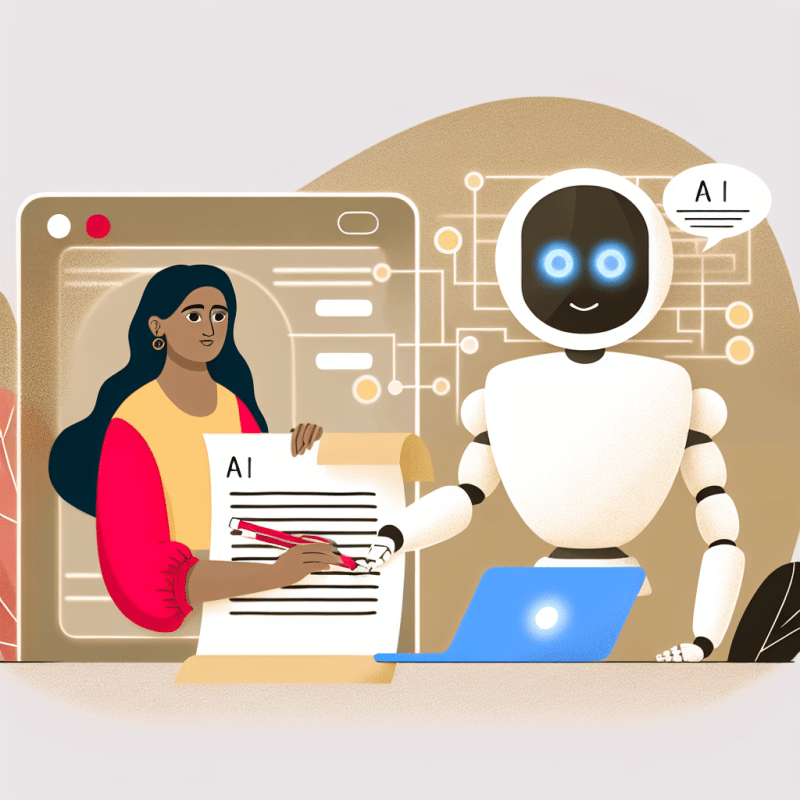
AI-powered creative writing assistants are becoming more popular and competitive. These tools use artificial intelligence to help you write faster and with better quality, whether you're drafting emails, reports, or creative projects. Think of them as helpful writing partners who suggest ideas, correct mistakes, or even generate text for you. This matters because as these assistants get smarter and more common, they can save you time and improve your work — but it’s also important to understand how your information is being used.
What This Means for You
How can an AI writing assistant really help me at work?
AI writing assistants can speed up your daily tasks by suggesting clearer ways to phrase your emails or summarizing long reports. For example, instead of spending time staring at a blank page, you can start with a draft generated by the assistant and then personalize it. This means less time worrying about grammar or wording and more time focusing on your main ideas. In your office work, that could translate into finishing reports earlier or sending emails that sound more professional without extra effort.
Are there risks to sharing my work with these AI tools?
Since AI writing assistants process your text to help improve it, your words are often sent to cloud servers. This might raise privacy concerns, especially if you work with sensitive or confidential information. For instance, if you use an AI tool to draft a budget report or legal document, you’ll want to know how that data is stored and who can access it. Being aware of privacy policies helps you decide which tasks are safe to delegate to AI and which ones you should handle more cautiously.
With so many AI writing tools available, how do I choose what’s best for me?
As competition grows, each AI writing assistant offers different features—some focus on creativity, others on grammar or business writing. Consider what fits your daily needs: Do you write mostly emails, creative content, or technical documents? For example, if your job requires quick, clear communication, a tool that excels at summarizing might be most helpful. Trying a few options and seeing which feels intuitive can help you find a good fit without getting overwhelmed by choices.
- Use AI assistants to speed up routine writing tasks like emails and reports.
- Check how each tool handles your data before sharing sensitive information.
- Experiment with different AI writing assistants to find one that matches your style and work needs.
Your Next Step
Today, try using an AI writing assistant to draft a simple email or note at work. Notice how it changes your writing process and decide if it helps you save time or express your ideas better.
Source: Read the original
